Recipe Management Page
Allows operators to view, load, duplicate, rename, and edit Recipes of one particular Recipe Type within the HMI.
Characteristics
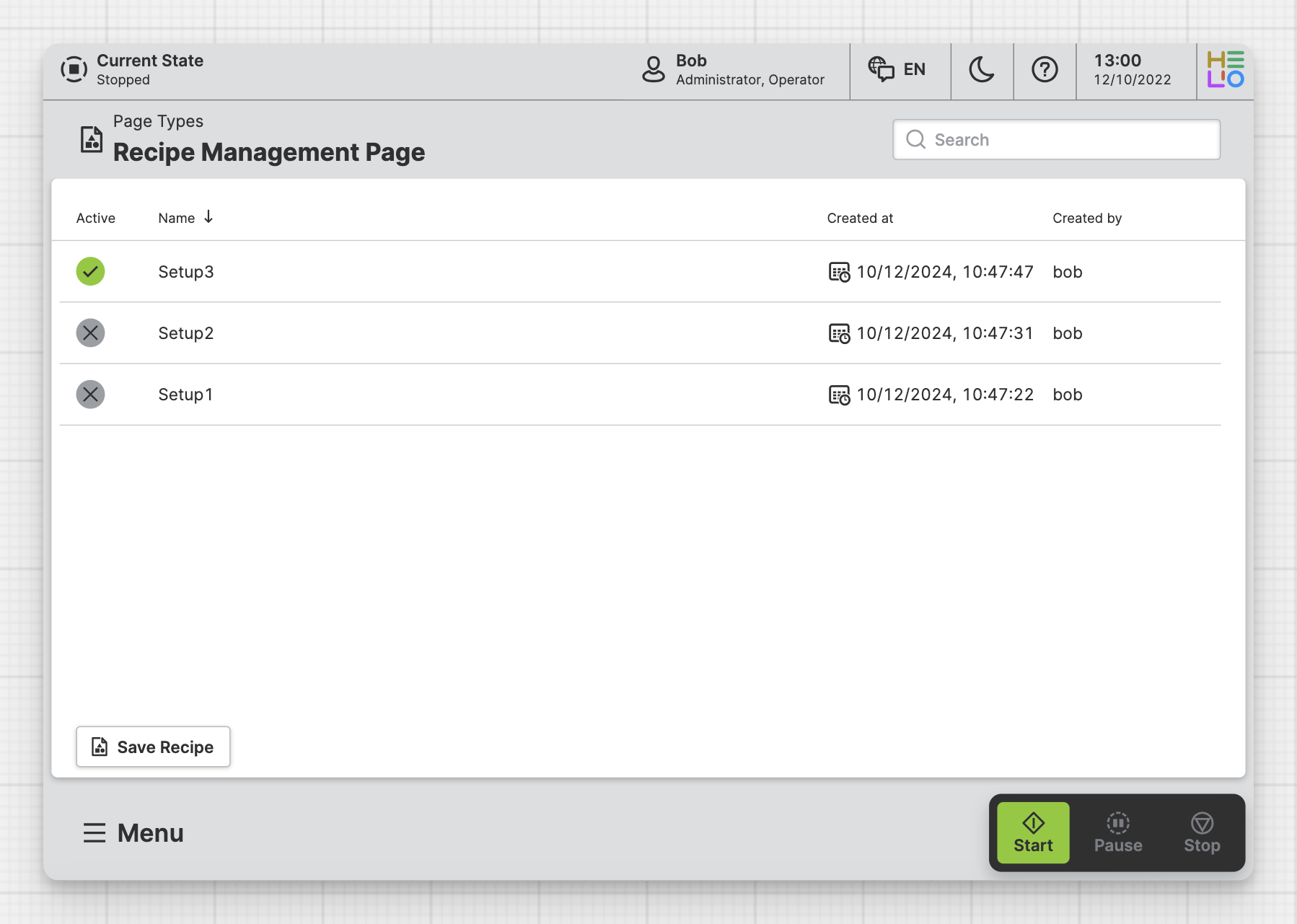
You can include a Recipe Management Page in your HMI to allow operators
to view, save and load predefined Recipes.
These recipes will help operators work faster and more efficiently.
Anatomy
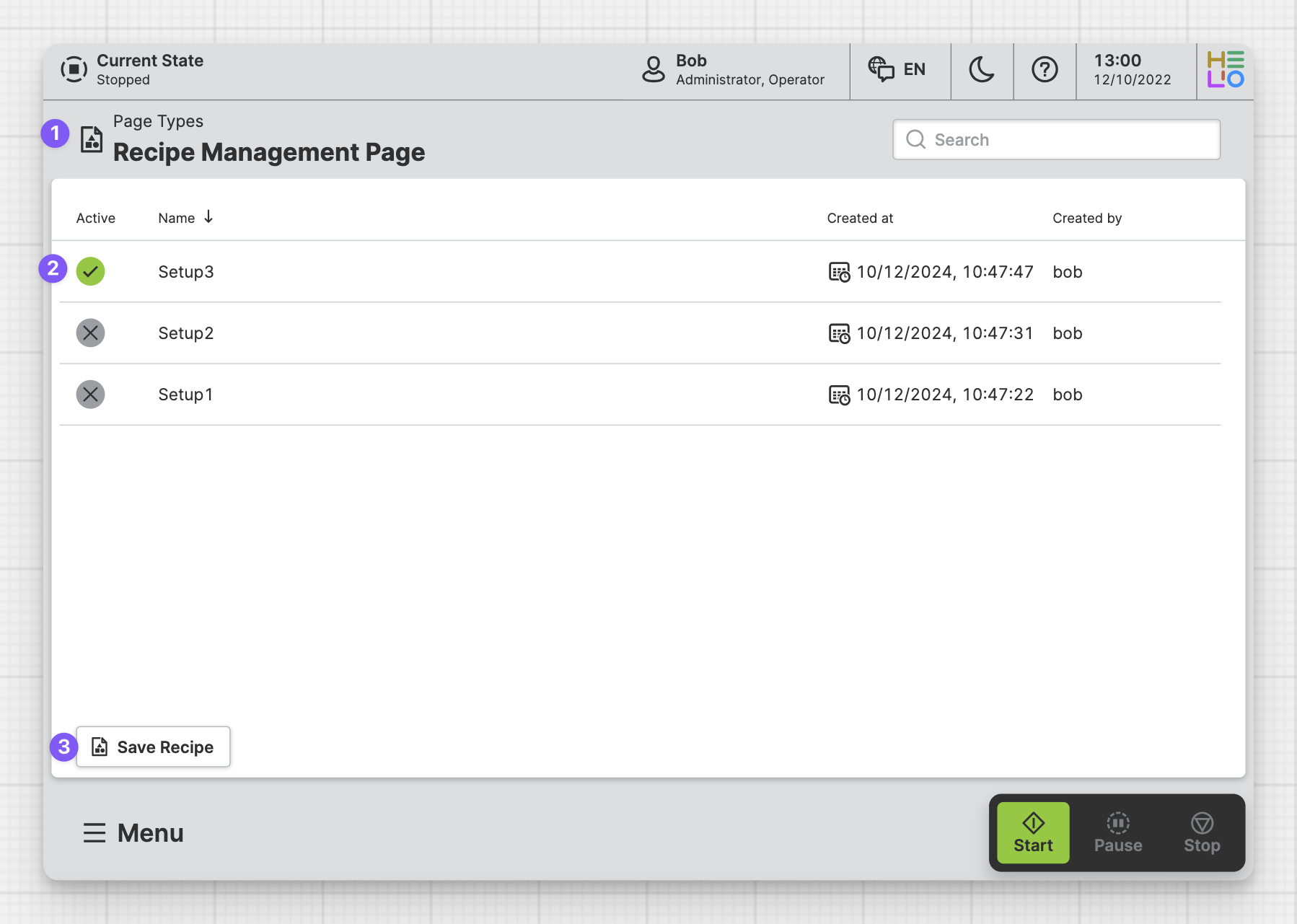
Title and Icon
List of Recipes
Save or Override a Recipe
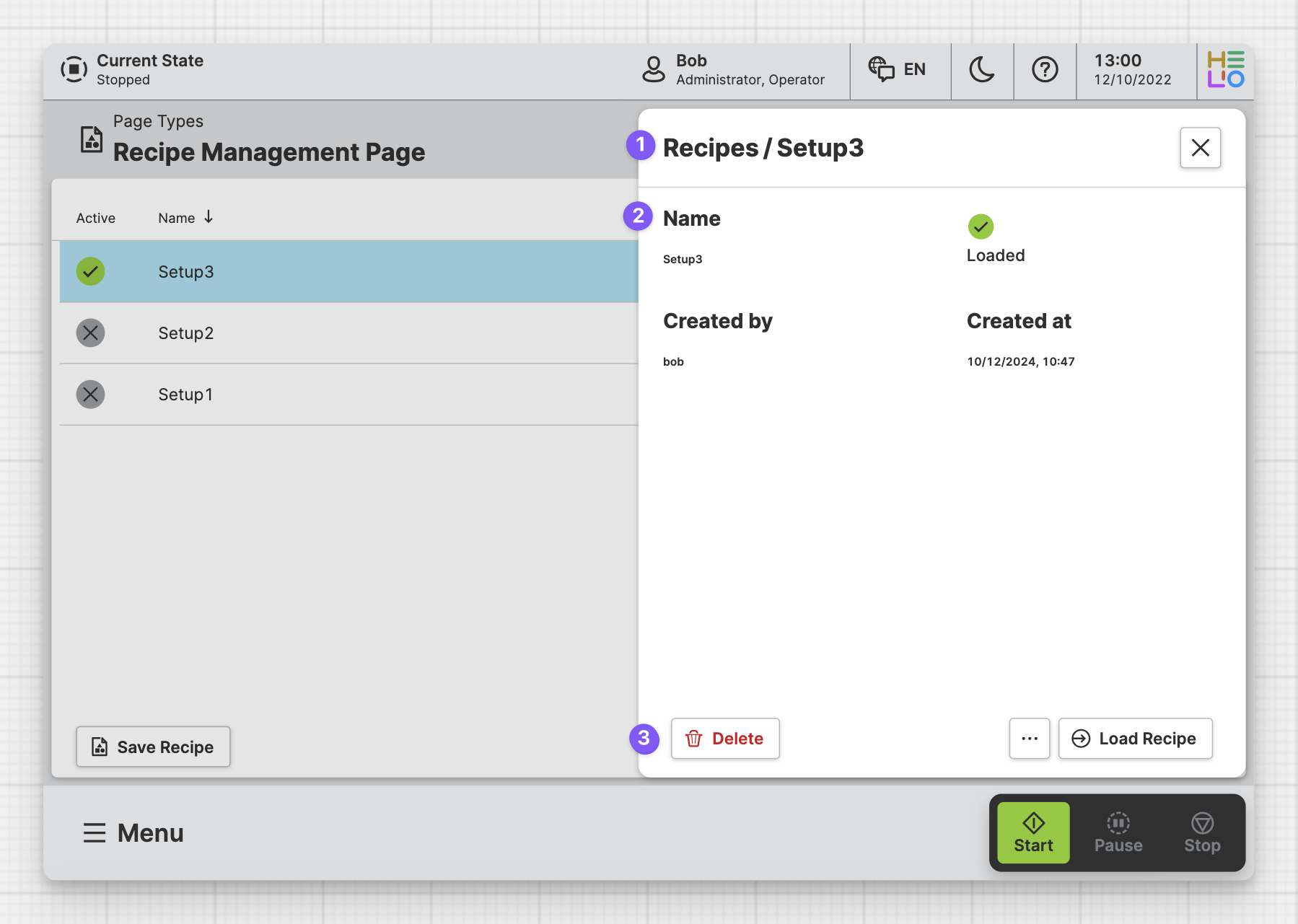
Recipe Title
Recipe Detail
Recipe Controls
Properties
General
Title
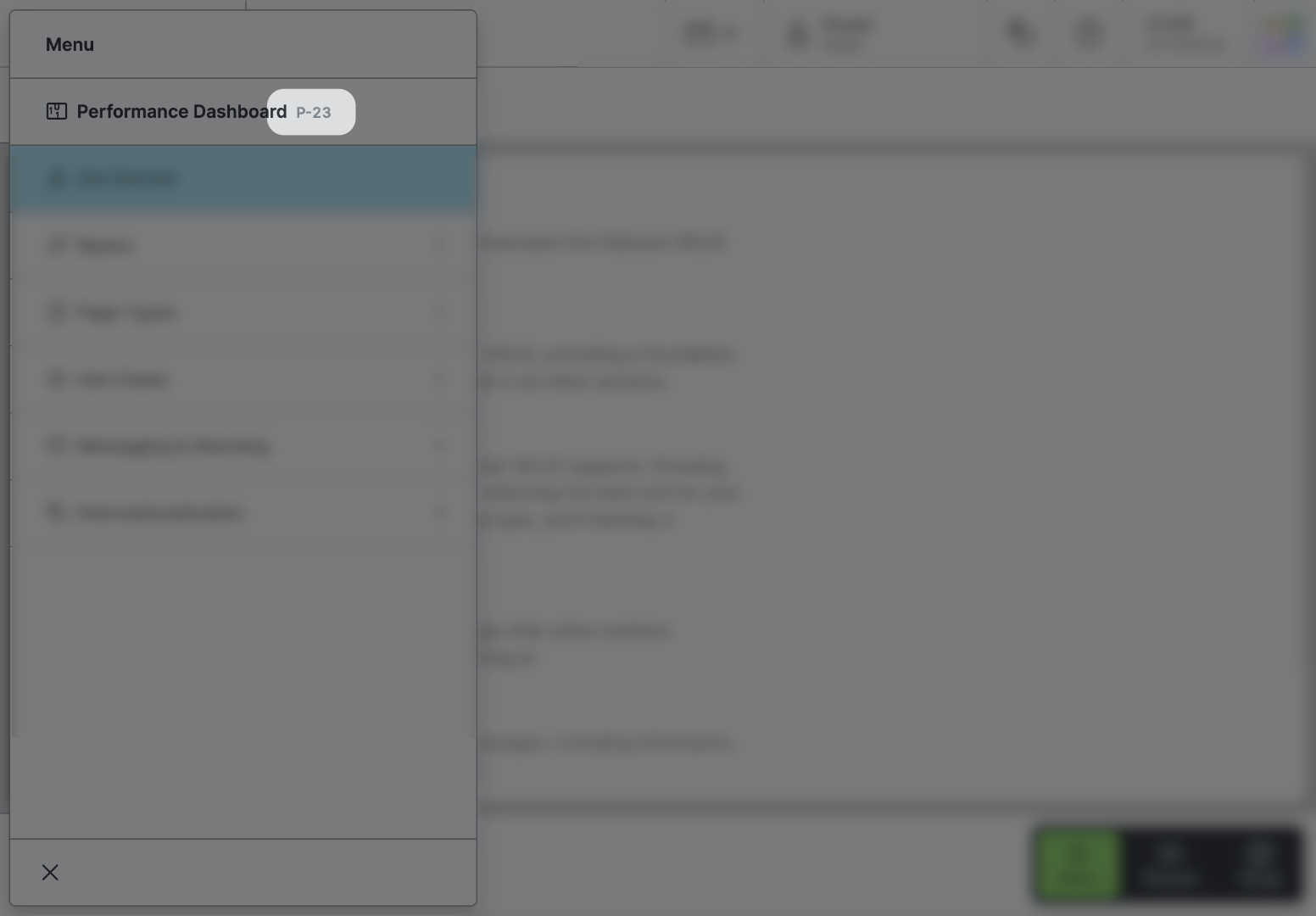
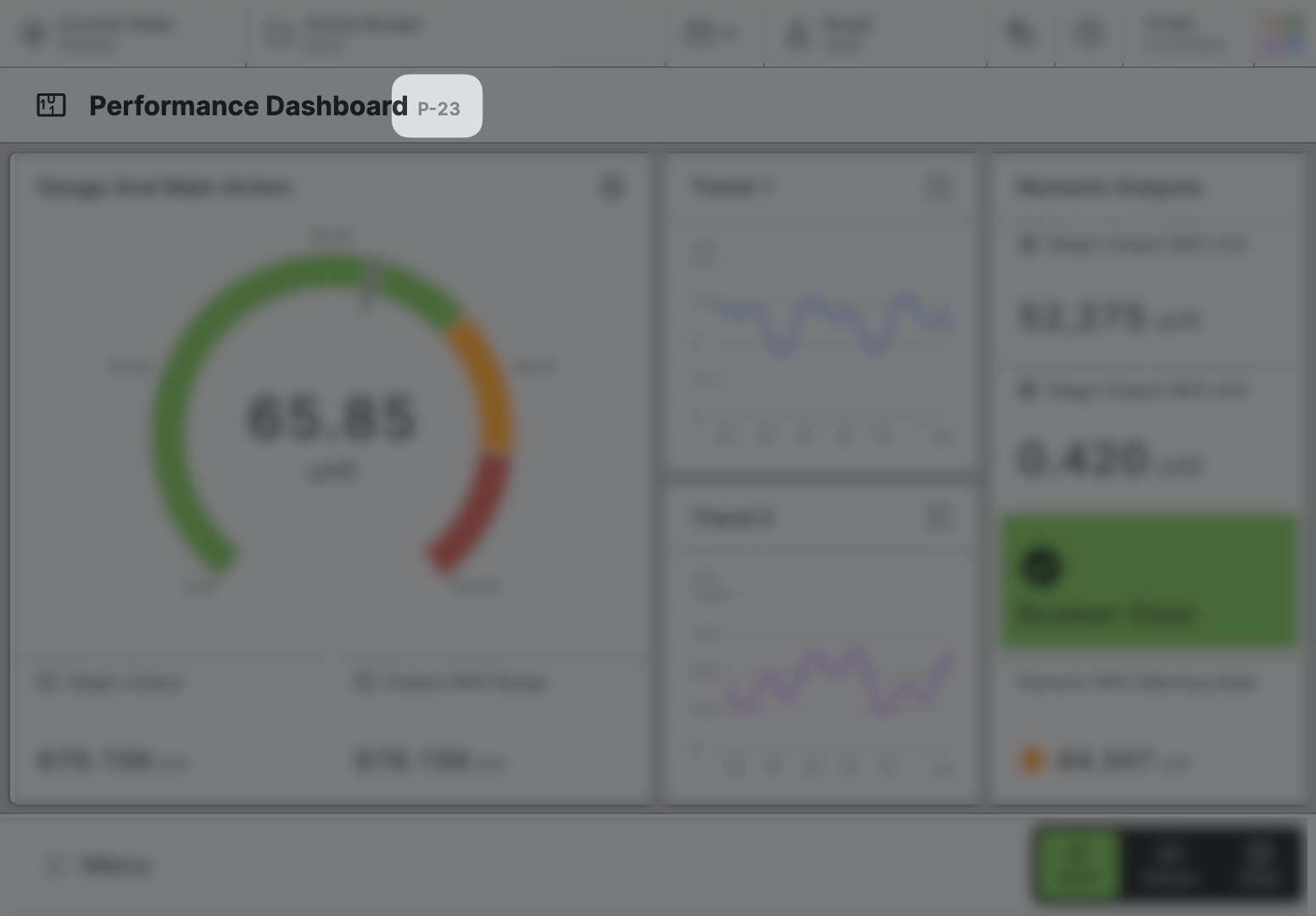
Page reference
This optional property lets you define unique short code that is human readable and helps to refer to that page without specifying its actual name. This is helpful especially in multilingual environments because
- It helps your Support-Team to quickly navigate users.
- It can be picked up by the product manual and documentation.
Icon
This icon will be displayed in the main navigation, the page header, and inside an embedded navigation of a Page Group.
Navigation
Show/Hide Page
Recipe Types
Choose one of the predefined Recipe Types to be displayed within this
Recipe Management Page. Only one type can be displayed on each
Recipe Management Page.
Parameter Table
Enabling this option will add an additional action Edit Recipe
to the recipe detail view. It allows users to view all of a recipe's
parameters in a table format and edit them.
See Using the Parameter Table for a full walkthrough.
Display Condition
true or false you're good to go.